09 November 2026
Much of the later stages of my adult life have involved going back and revisiting things I explored when I was younger, then boring the hell out of the kids by geeking out over this ancient history. Part of me still is that incredibly inquisitive kid who wanted to understand absolutely every bit of technology he encountered even if it cost me sleep, grades, and sanity.
A while ago I showed the kids an episode of The Secret Life of Machines about how photocopiers and laser printers work. For educational and historical purposes some of you might be interested in how the “front end” of a laser printer works.
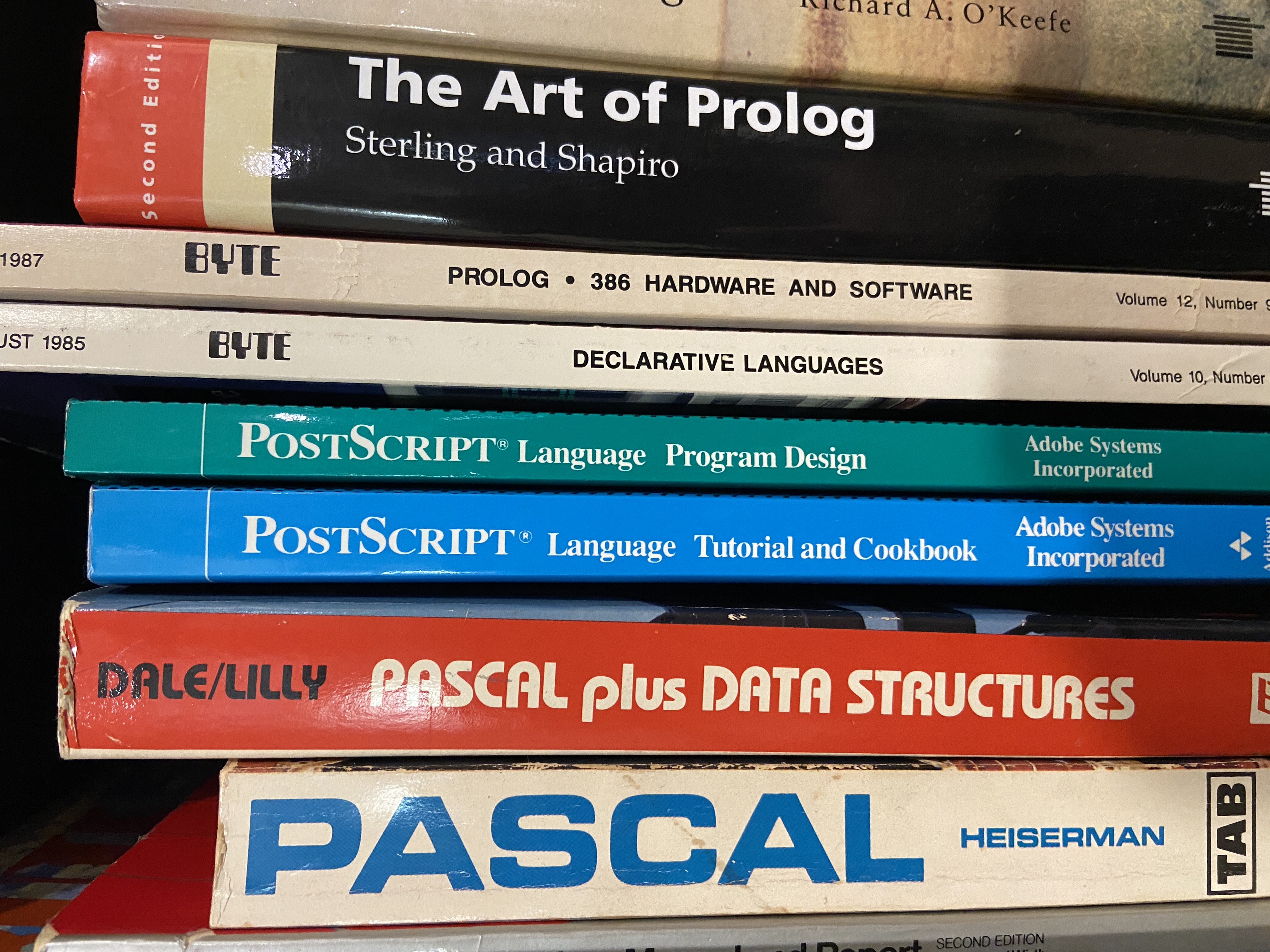
I recently got a couple of used books in the mail. Like many of the used books I buy now, these are books I owned 40+ years ago, but got rid of at some point, now and regret getting rid of. Fortunately these had a big print run back in the 1980s, so used copies can be had for not much more than the price of shipping. So now, on my “history of computer languages” shelves, in between books on Pascal and books on Prolog, there are a couple of books on PostScript: the PostScript&trade Language Tutorial and Reference (blue book) and PostScript: Language Program Design, by Adobe Systems.
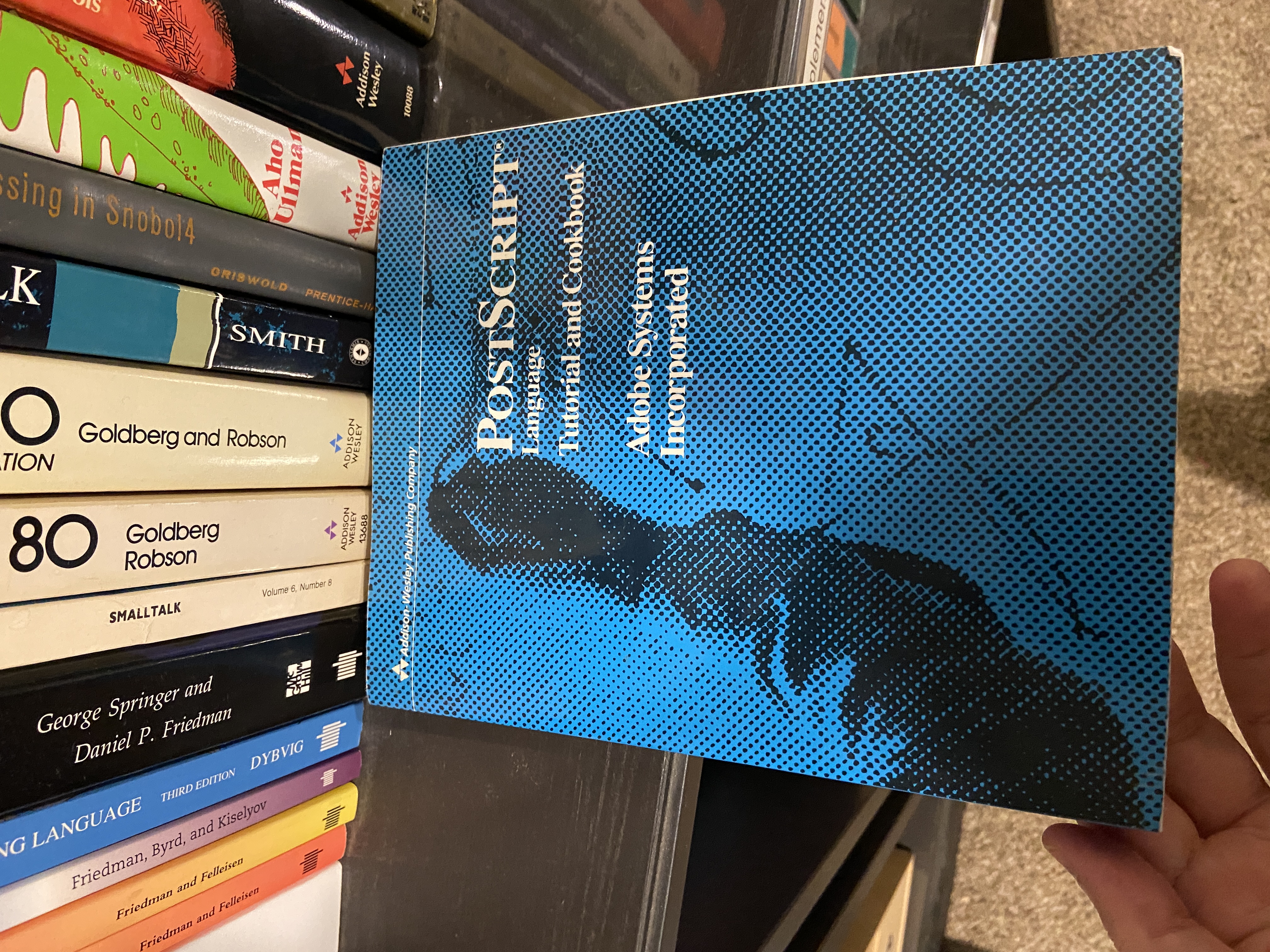
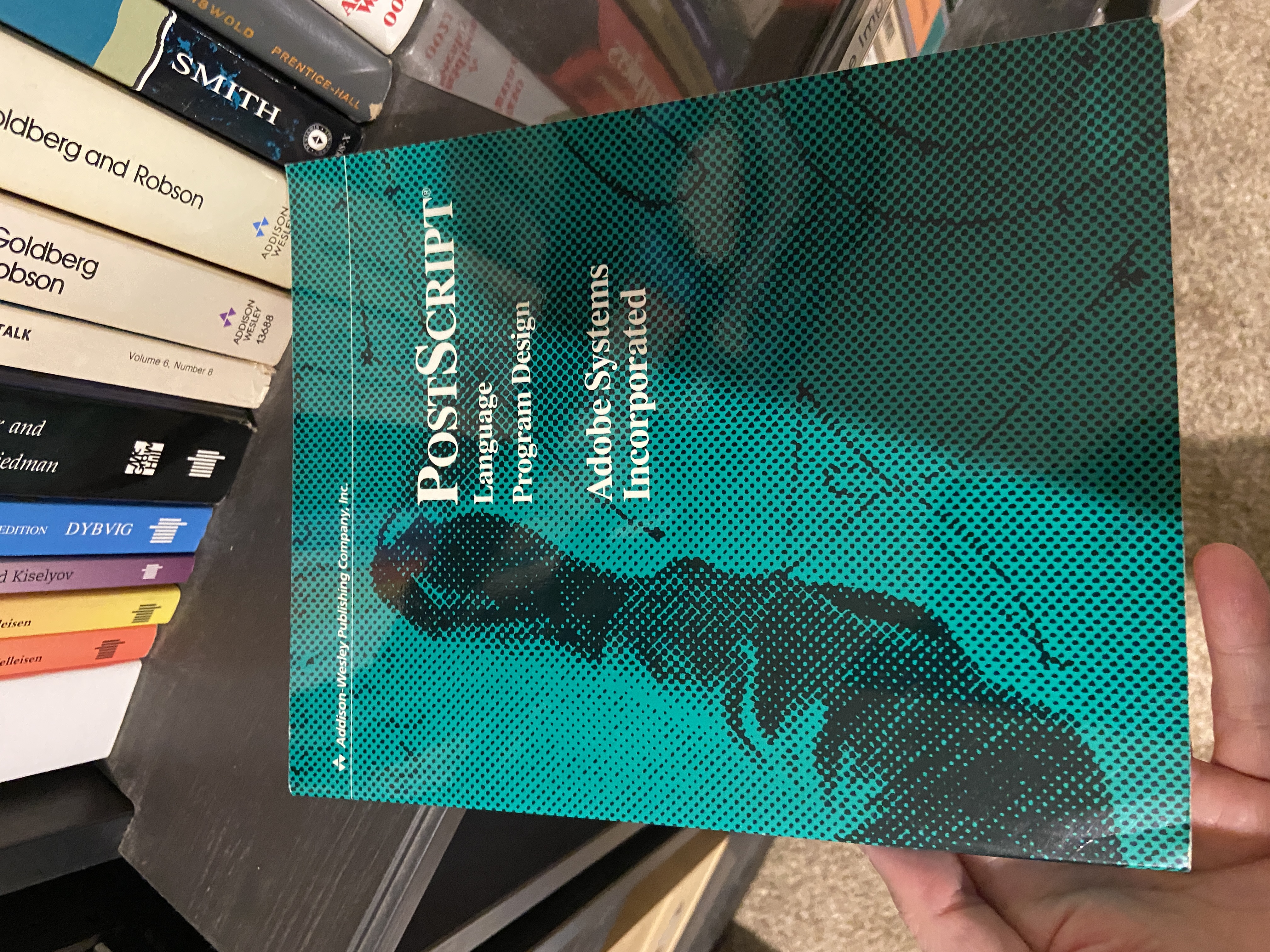
PostScript is the language for laser printers developed by Adobe in the 1980s, and it made the original Apple LaserWriter possible. The Macintosh and LaserWriter together with applications such as Aldus PageMaker enabled the rise of “desktop publishing.” These innovations would have come about eventually without PostScript, but the combination of the Macintosh “WYSIWYG” approach to on-screen and printed graphics, together with Adobe fonts and PostScript let people lay out documents like newsletters and magazines on a relatively inexpensive computer and get more-or-less exactly what they asked for on the printed page. Not all modern laser printers support PostScript, but our HP LaserJet m406 does. Technically I think it “emulates” PostScript, since I don’t think HP officially licenses Adobe’s language implementation. It supports this in addition to Printer Command Language, which is HP’s answer to PostScript, and which is supported by other printer brands as well, such as Brother and Canon.
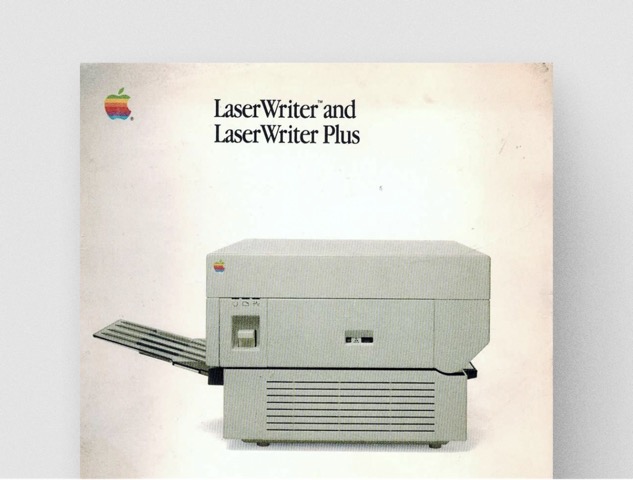
The original LaserWriter weighed 77 pounds and cost $7,000 in 1985, which would be about $21,000 today, and you haven’t lived until you and your buddy were carrying one into a campus building, slipped on ice, and dropped it… and had it survive with only minor cosmetic damage. Those days in the computer industry were exciting because the rate of software innovations coming out left and right was really something. We take all this for granted now, and the innovations I see in the software field now all have more to do with re-intermediation and “innovations” like forcing people to subscribe to applications and rent servers.
In the eighties my dormitory at The College of Wooster had a LaserWriter, making it one of the first dorms in the country to do so. It was hooked up to a Mac, and to the LocalNet network, so that students with Macintosh computers in their dorm rooms could print papers on the LaserWriter. In the same room there was a DEC VT100 terminal:
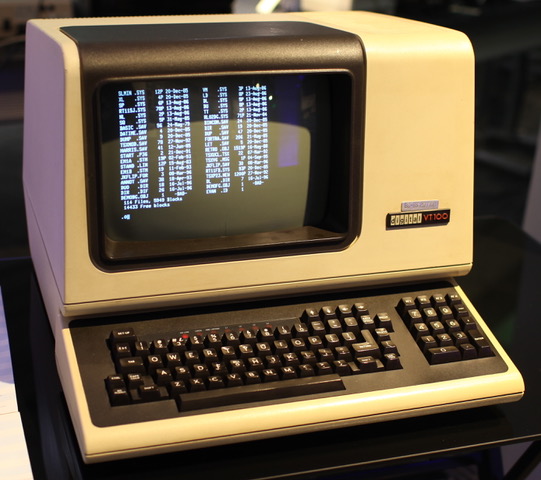
The VT100 had an old-school RS-232 cable, and it just so happened that the original LaserWriter also had an RS-232 port. It’s a good thing it did because, while a few years later I would have been able to bust out an RS-232 breakout box and make a cable to go from the Mac’s female 8-pin mini-DIN RS-422 serial port to the LaserWriter’s RS-232 port, but back then I didn’t know how (or have the parts and tools). But I could unplug a cable from one device and plug it into another!
I used the campus LaserWriters to print my papers. But being a curious smart-ass kid, I would also stay up very late in the dorm computer room so that I wasn’t pissing people off who were trying to print their papers, and I would unplug the VT100 from the network adapters and plug it into the LaserWriter. Then I could put the printer into interactive mode (I don’t recall the details, but the documentation tells me I must have typed “executive” to put it into this mode). Then, I could type PostScript commands directly into the printer.
I made several cool logos (well, cool at the time) with gradients and other nifty tricks, for the college radio station this way, writing PostScript code. Here’s an example that I saved:
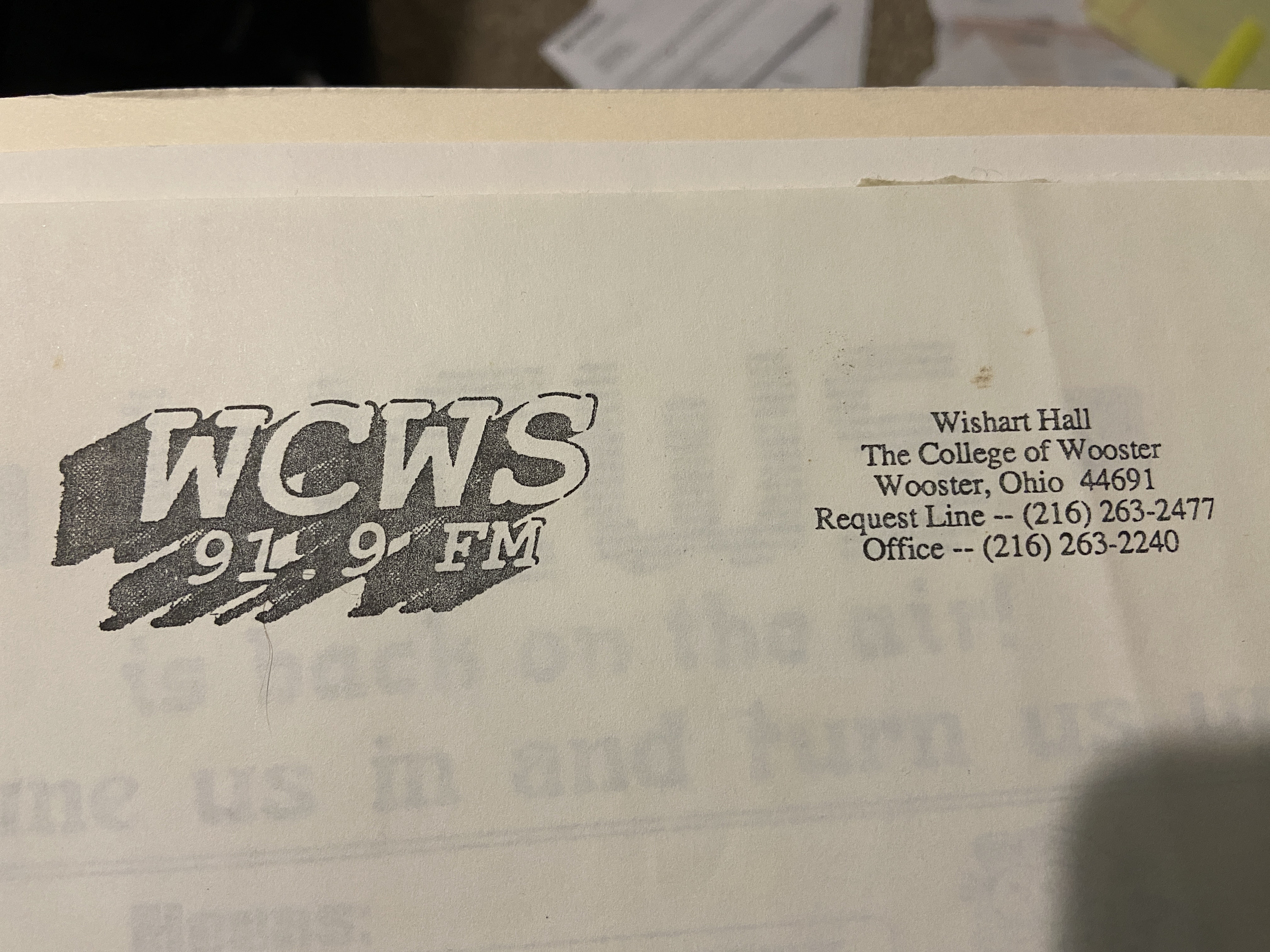
The quality isn’t great, since it is a photocopy of the original LaserWriter output, and the photocopy process didn’t preserve the gradient very well. I think I have some more elaborate examples somewhere, and if I can find them, I’ll add them to this nwesletter later. My PostScript experiments could only get so elaborate, though, because I didn’t have a way to save files — I was typing every command directly into the printer, and if I made a typo, I had to start over.
I made other things for WCWS-FM, such as program buides, but made them with programs such as Deneba Canvas, not by sending PostScript code directly to a LaserWriter.
A few years later, I would use tools such as an early version of Adobe Illustrator to make artwork for my senior thesis, a collection of short stories. I still have some EPSF files, generated by Adobe Illustrator, that I used to produce them, although I have not had much success opening them with currently available tools — they can be read, but they don’t quite look right.
Occasionally I had the chance to make use of glitchy tools, and their primitive nature could become a feature, not a bug. For some of the artwork, I used Illustrator’s ability to convert bitmaps into vector images. Sometimes the conversion didn’t work well, producing a lot of short, disconnected lines. This started out as a scanned anatomical illustration:
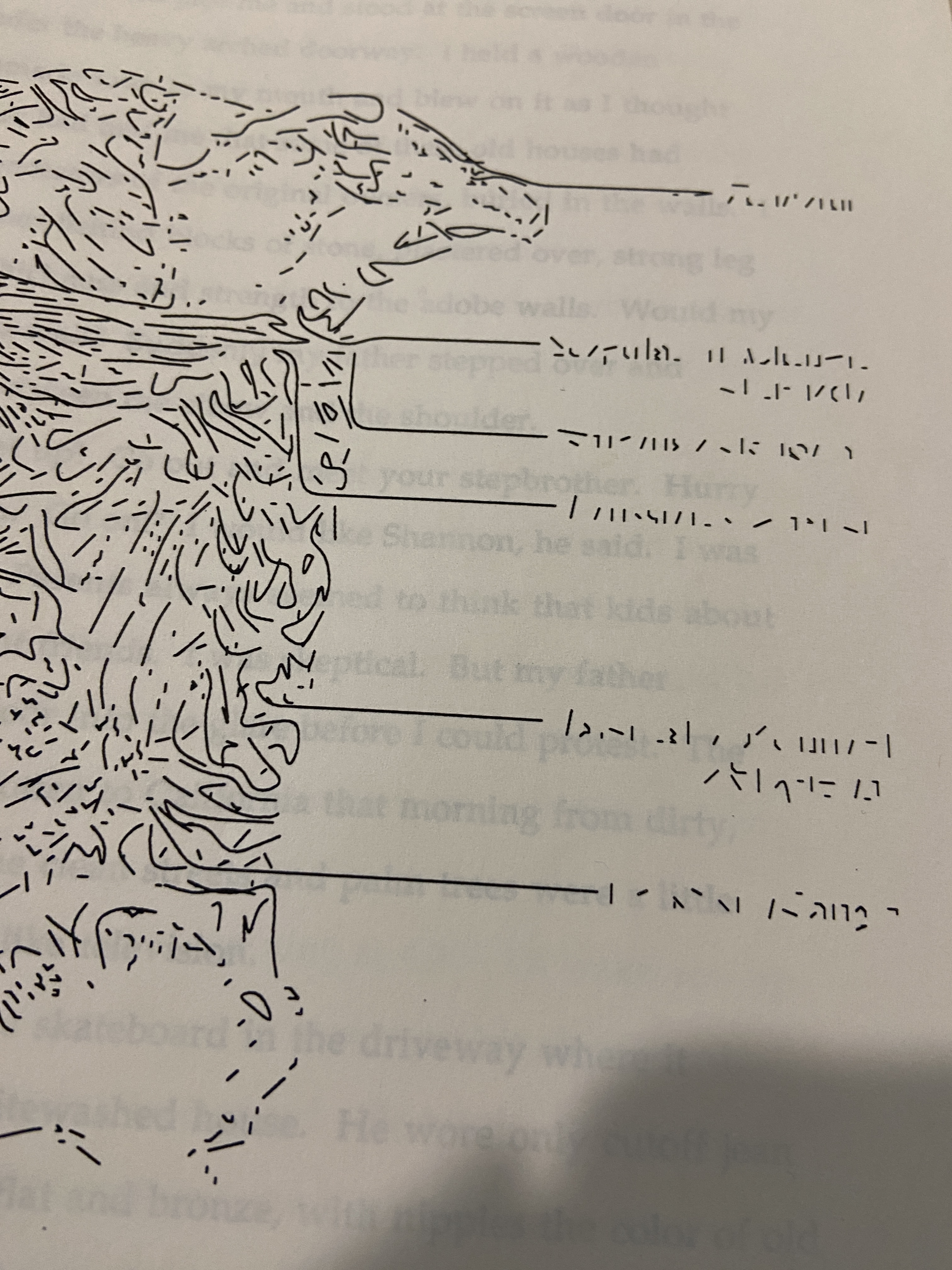
The results looked very abstract, but I liked this effect, and kept it! I especially liked the way it turned the text into meaningless shapes. I found a lot of fascinating things to do with PostScript, various software tools, and the original LaserWriter, and sometimes their imperfections became my inspirations!
40 years later it is still possible to send PostScript directly to a laser printer. If you have a MacOS or Linux command line, you do it with the nc (“netcat”) command. I sent a file like so:
nc 192.168.1.91 9100 < square.psWhere 192.168.1.91 is the IP address of the printer, 9100 is the socket number, and square.ps__ is a text file I just made containing a simple PostScript program, taken from the blue book:
newpath
 270 360 moveto
 0 72 rlineto
 72 0 rlineto
 0 -72 rlineto
 -72 0 rlineto
 4 setlinewidth
stroke showpage
This produces a square:
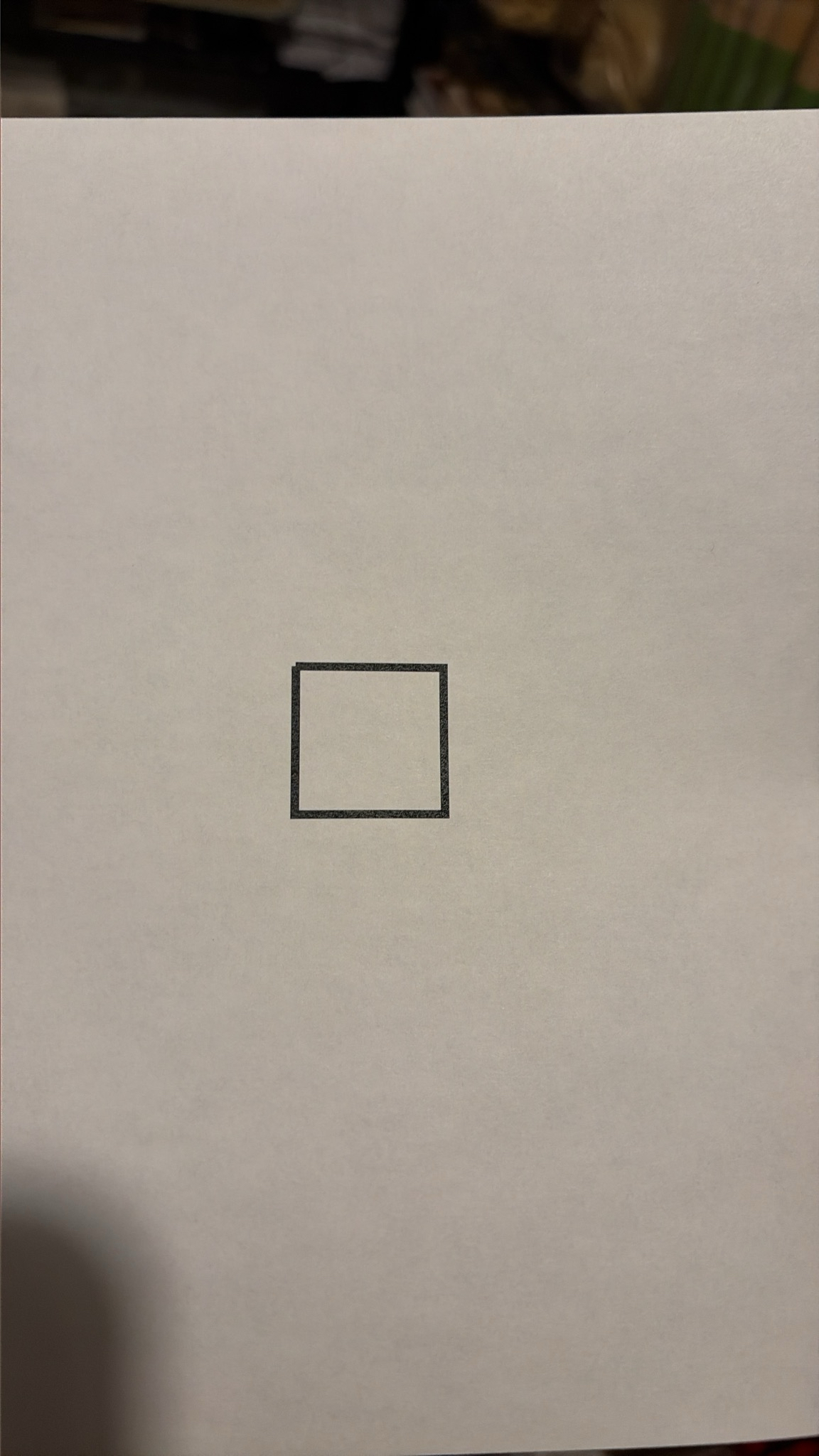
That isn’t very exciting-looking, but think about it — I’ve just sent a modern printer a program from a book published over 40 years ago and it “just worked,” with no complaints or debugging required. Now that’s backward compatibility!
If you’re into programming languages, like I am, I recommend studying PostScript, because it’s a fascinating example.
From Wikipedia: “PostScript is a Turing-complete programming language, belonging to the concatenative group of programming languages. It is an interpreted, stack-based language similar to Forth, with dynamic typing, data structures inspired by those found in Lisp, scoped memory and, since language level 2, garbage collection. The language syntax uses reverse Polish notation, which makes the order of operations unambiguous, but reading a program requires some practice, because one has to keep the layout of the stack in mind.” See: https://en.wikipedia.org/wiki/PostScript#The_language
Those two paperbacks from Adobe Systems would be a good place to start. If you want to try running PostScript code interactively in a web browser, so that you don’t need to make a laser printer spit out a page every time you want to see the results of running your program, you can use this cool site: https://pscatlabs.github.io/pscat/playground.html
I wish I had been able to use something like that 40 years ago! But the web was still a number of years away.
You can convert a .ps file containing PostScript directly into a PDF file using Ghostscript:
gs -dEPSCrop -sDEVICE=pdfwrite -sOutputFile=square.pdf square.psYou can then open up this .pdf file with any PDF file viewer and see the same thing on the screen.
Note that this doesn’t mean you can then open up the .pdf file with a text editor and see the original PostScript code. The PDF file format isn’t just a container for PostScript code. If you try it, you’ll find that the PostScript code has been translated into a set of commands in compressed form, so it’s not so readable to humans. The PDF standard evolved as an offshoot of PostScript, to serve as a more flexible and universal file interchange format.
I believe there was a historically interesting intermediate step: the NeXT computer system used Display PostScript, a 2-D graphics engine, for drawing on its screen. Display PostScript was based on PostScript, with extensions to better support bit-mapped displays.
I haven’t used a NeXT machine in decades, and I never did get the chance to use them very much, so I’m no an expert, but I think this meant that when you worked on a desktop publishing program on a NeXT computer, the underlying code that rendered the image on the screen could be the same as the code that rendered it to the printer. I believe that the NeXT laser printer was made cheaper by the fact that it could rely on the computer to render everything, and so didn’t need to include its own implementation of PostScript. The computer could render everything to bitmaps, and just send bitmaps to the printer!
Apple acquired NeXT and rolled a lot of NeXT’s software technology into Mac OS X. Does this mean that early versions of Mac OS X also used Display PostScript? The answer is no: Apple developed a new window server that could render output from legacy applications written to use Carbon and Classic drawing APIs as well as output from a new graphics library called Quartz 2D. The Quartz 2D drawing model is based on the PDF specification, though!
So parts of the PostScript’s legacy live on. And given that different kinds of applications can print to PostScript printers, the whole story remains quite complicated. More recent versions of MacOS now have made it even more complicated! I haven’t developed applications for Mac OS X, now just called macOS, or for iOS, formerly called iPhone OS, in some time, so I’ve mostly been able to avoid having to learn all the details.
Anyway… grandpa’s tired, kids, so that’s enough ancient history for one day!
Bye for now!
As always, this content is available for your use under a Creative Commons Attribution-NonCommercial 4.0 International License. Thanks for reading!